
Zyro 사이트에 실시간 댓글 추가
1단계: 코드 위젯 추가 
먼저 웹사이트 빌더에서 사이트를 엽니다.
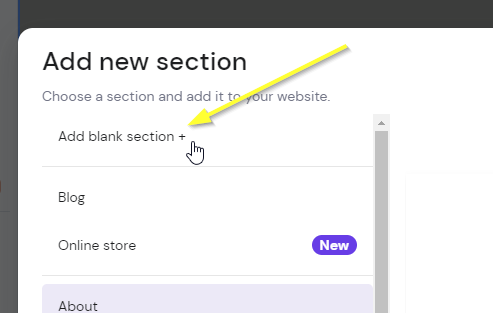
Now if you don't already have a section where you want the comments to go, add a blank section:

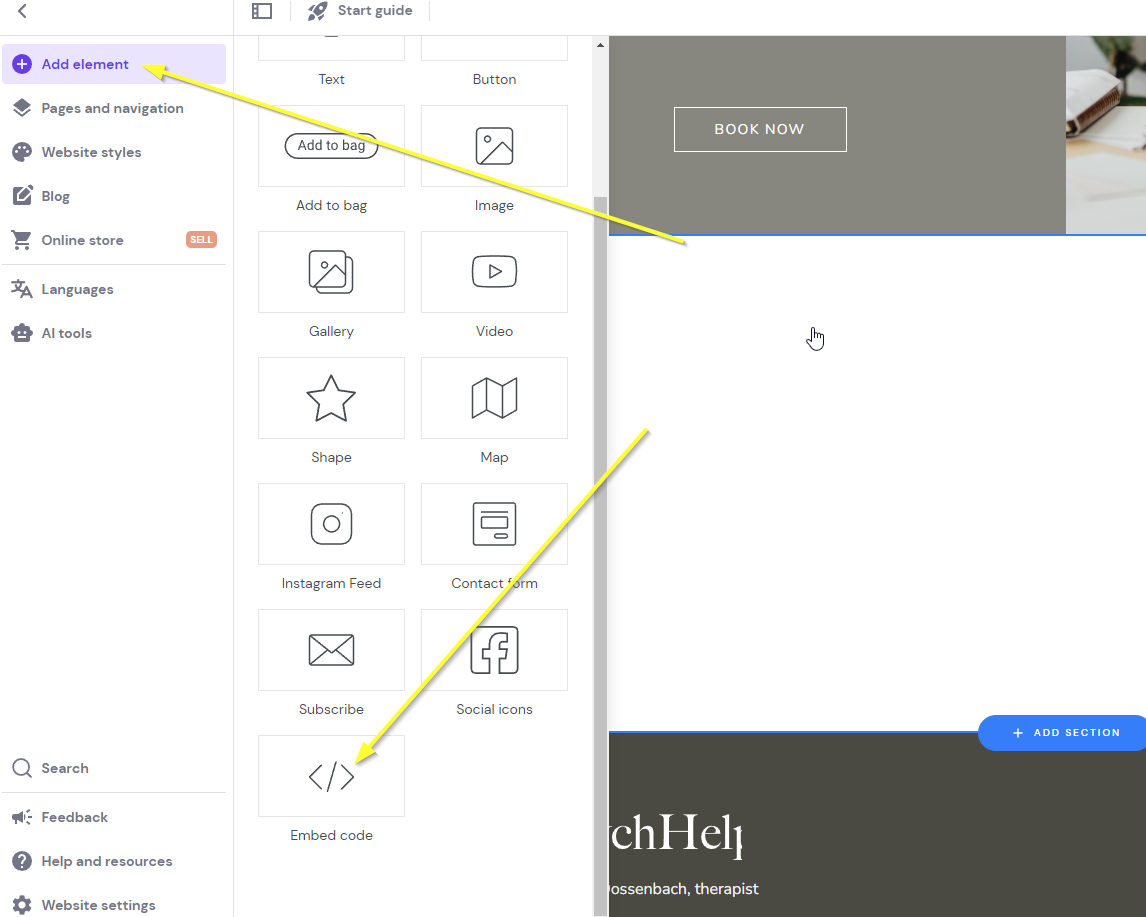
Now add the Zyro Embed widget by clicking our new section and clicking Add element in the top and then Embed code:
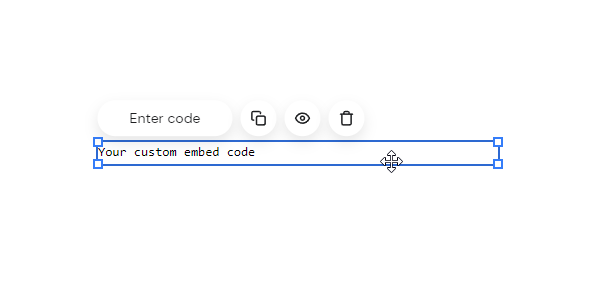
You'll get something like this:
Now we're ready for Step 2.
2단계: 코드 추가
이제 위젯 코드를 추가해봅시다.
아래 코드를 복사하세요. fastcomments.com에 로그인되어 있는지 확인하고, 로그인되어 있지 않다면 이 페이지를 새로고침하여 코드가 계정 정보로 자동 채워지도록 하세요. 그렇지 않으면 데모 코드가 표시됩니다.
이제 코드를 복사합니다:

이제 사이트 빌더로 돌아가서 Enter code를 클릭하세요:
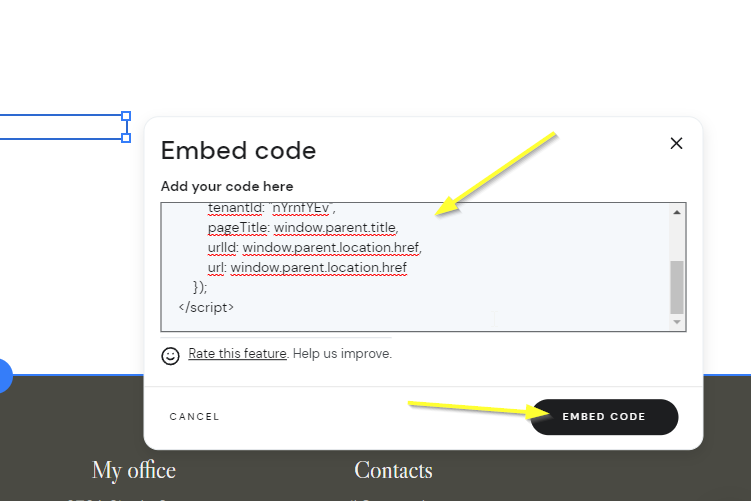
참고!
위 코드를 사용해야 하며 다른 문서의 코드 스니펫을 사용하면 안 됩니다. 이 스니펫은 Zyro에 맞게 특별히 제작되었습니다.
다음과 같이 빈 상태로 보이는 항목이 있을 것입니다. 이는 정상입니다. 위젯이 있어야 하는 영역에 마우스를 올려보세요:
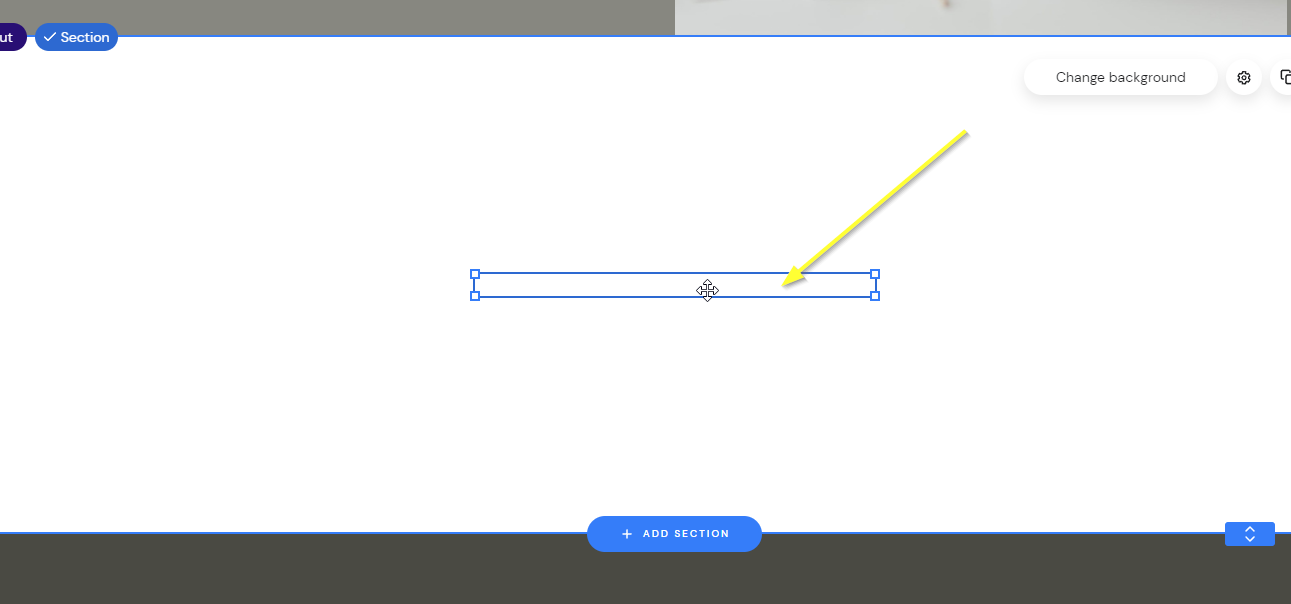
이제 위젯의 크기를 원하는 대로 드래그하면 나타나는 것을 볼 수 있습니다:
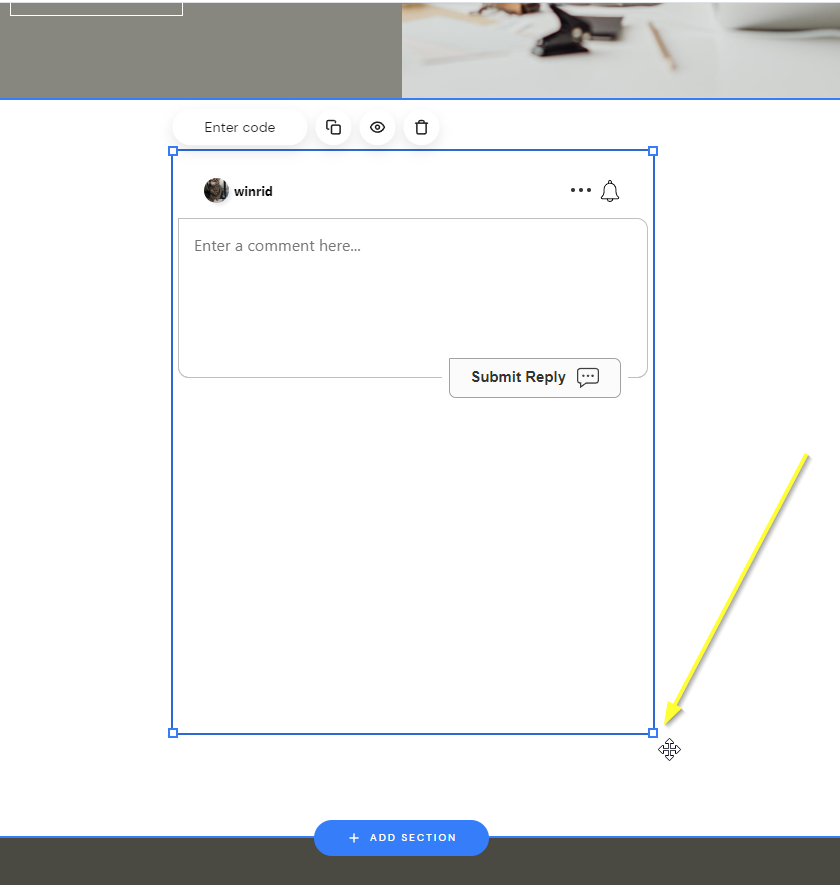
...이제 미리보기하고 저장하세요!
성공
그게 전부입니다! 이제 Zyro 사이트에 실시간 댓글 기능이 추가되었습니다.
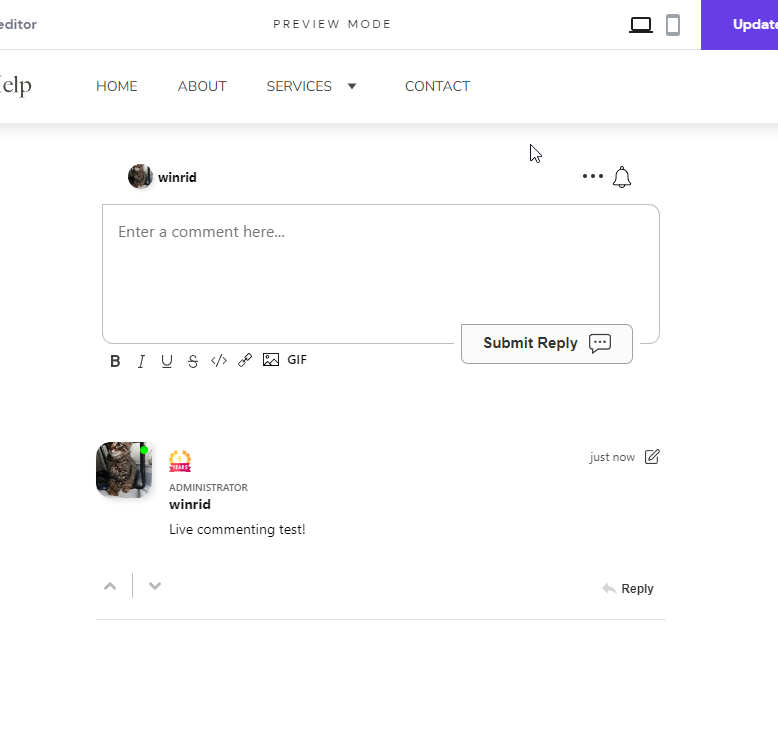
권한 거부 오류가 발생했거나 FastComments를 맞춤 설정하려면 계속 읽어보세요.
사이트 도메인 오류
다음과 같은 권한 오류가 발생할 수 있습니다:
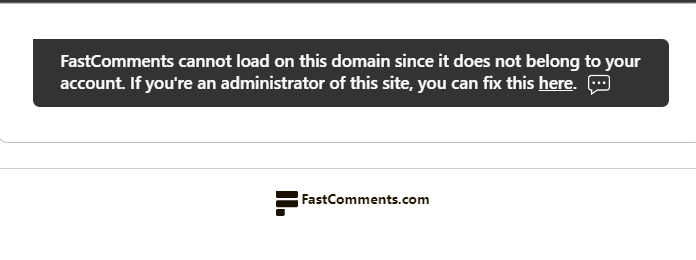
이는 FastComments가 해당 도메인에서 귀하의 계정 사용을 허용해야 한다는 사실을 모를 때 발생합니다.
이 경우 해결 방법은 간단합니다. FastComments.com 계정에 사이트를 추가하면 됩니다.
이제 사이트에 빠르고 실시간 댓글 기능이 추가되어 있을 것입니다!
사이트 맞춤 설정
FastComments는 사이트에 맞게 사용자 정의할 수 있도록 설계되었습니다.
사용자 정의 스타일을 추가하거나 구성을 조정하려면, 방법은 맞춤 설정 및 구성 문서에서 확인하세요.
플로팅 좋아요 버튼
FastComments는 Zyro용 페이지 리액트(일명 플로팅 좋아요 버튼) 위젯도 지원합니다.
이 페이지 오른쪽 하단에서 작동하는 모습을 볼 수 있습니다!
- 먼저, 코드를 가져옵니다:
- 그런 다음 Zyro에서 사이트 빌더를 엽니다.
- 왼쪽 하단의 Website Settings로 이동합니다.
- Integrations를 선택합니다.
- 새 코드를
Custom code필드의 끝에 추가하고 사이트를 게시합니다. - 미리보기 모드에서는 위젯이 보이지 않지만, 사이트의 게시된 버전에서는 나타납니다.