
在 Systeme.io 部落格新增留言
使用 FastComments,我們可以輕鬆為任何 Systeme.io 部落格新增即時留言功能。
以下說明適用於建立在 Systeme.io 上的部落格,但也可以透過編輯其他佈景主題檔案,將嵌入程式碼手動加入任何頁面。FastComments 支援團隊也可以協助處理。
請注意,本教學需要 FastComments 帳戶。建議您先註冊,然後再回來此處。 您可以在這裡建立帳戶。
步驟 1:開啟部落格佈景主題範本 
我們將編輯部落格的版面配置,以便在所有文章中加入 FastComments。
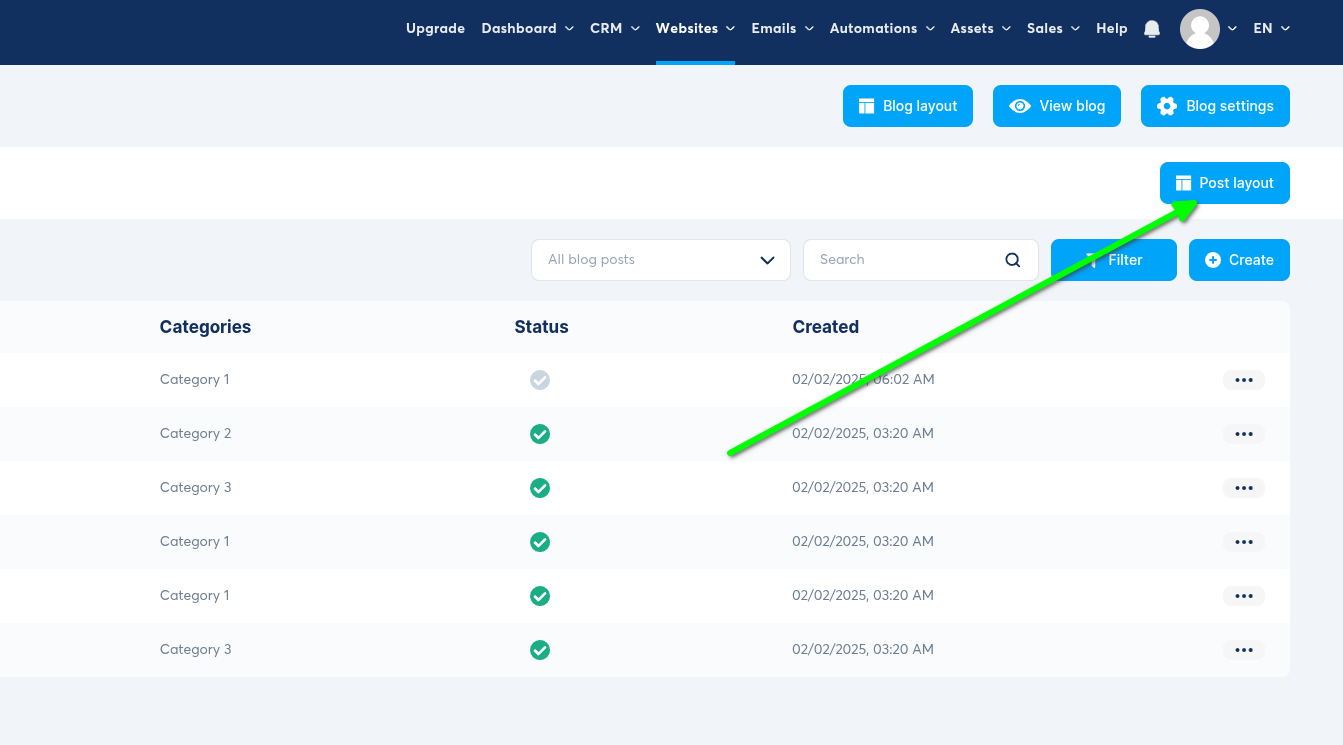
在我們的部落格管理面板中,按一下 Post Layout 按鈕。
開啟文章版面配置
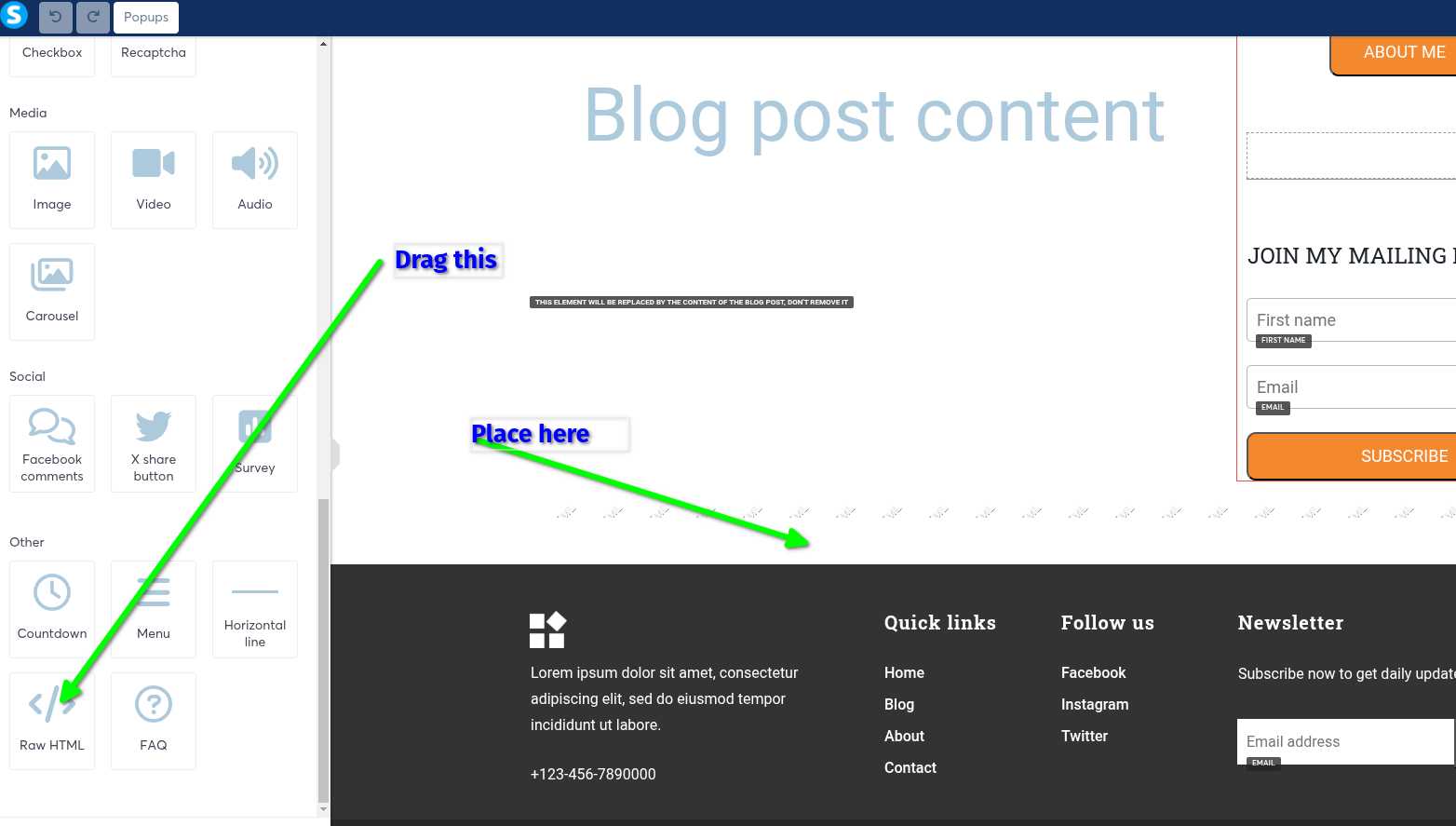
然後我們會新增一個 Raw HTML 區塊(將它拖到想要放置留言區的位置):
新增 Raw HTML 區塊
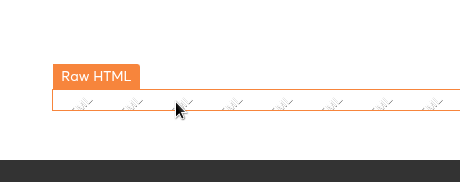
現在將滑鼠移到該區塊上,直到顯示 Raw HTML,然後點擊它:
選取區塊
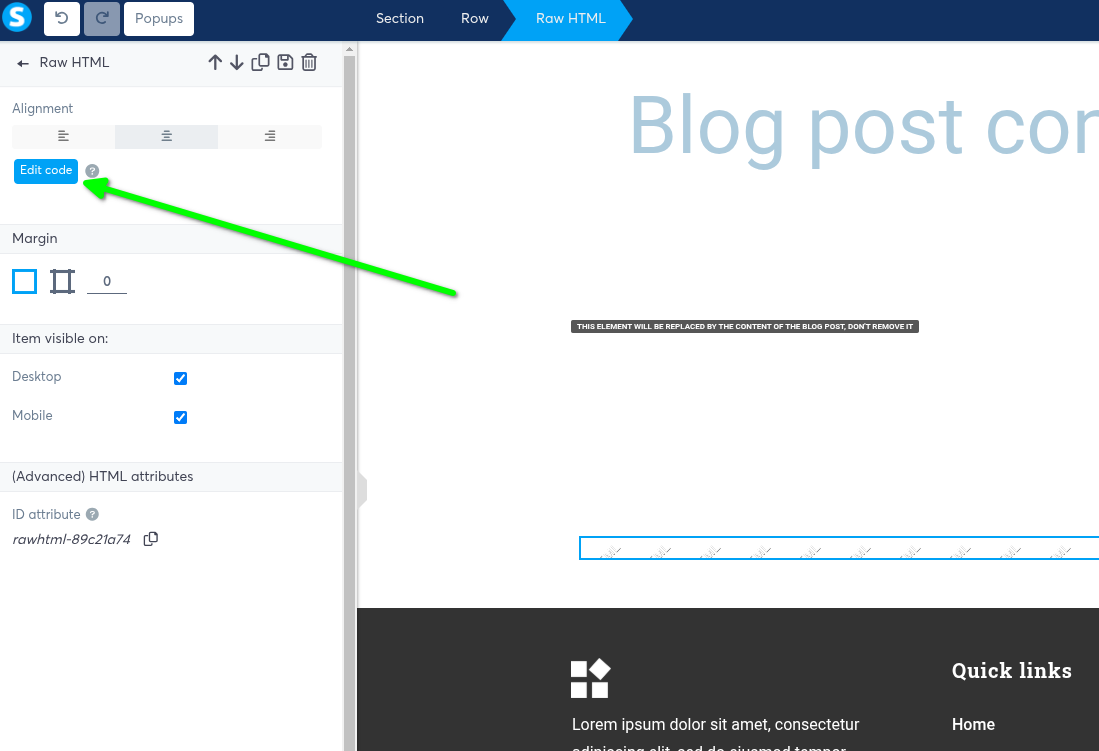
在左側現在會出現 Edit Code 的選項 —— 點擊它:
編輯程式碼
步驟 2:加入 FastComments.com 程式碼
現在我們要複製程式碼。如果程式碼片段在第 6 行顯示 tenantId: "demo",請登入您的 FastComments 帳戶
然後重新整理此頁面,以便複製的程式碼片段顯示您的帳戶 id。
Systeme.io 程式碼片段
Copy 
1
2<script async src="https://cdn.fastcomments.com/js/embed-v2-async.min.js"></script>
3<div id="fastcomments-widget"></div>
4<script>
5 window.fcConfigs = [{
6 target: '#fastcomments-widget',
7 tenantId: "demo"
8 }];
9</script>
10
現在把它貼到編輯器並點擊儲存:
加入 FastComments 程式碼
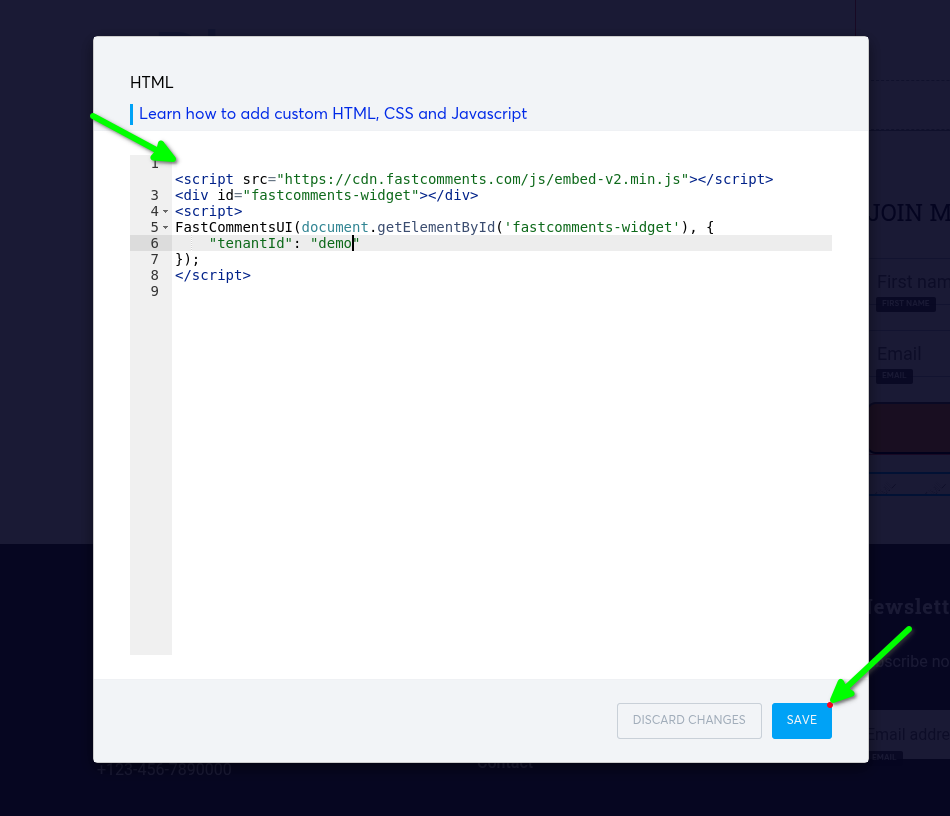
... 然後儲存您的網站。就完成了!
成功
現在如果我們檢視部落格文章,應該會看到 FastComments!
成功!
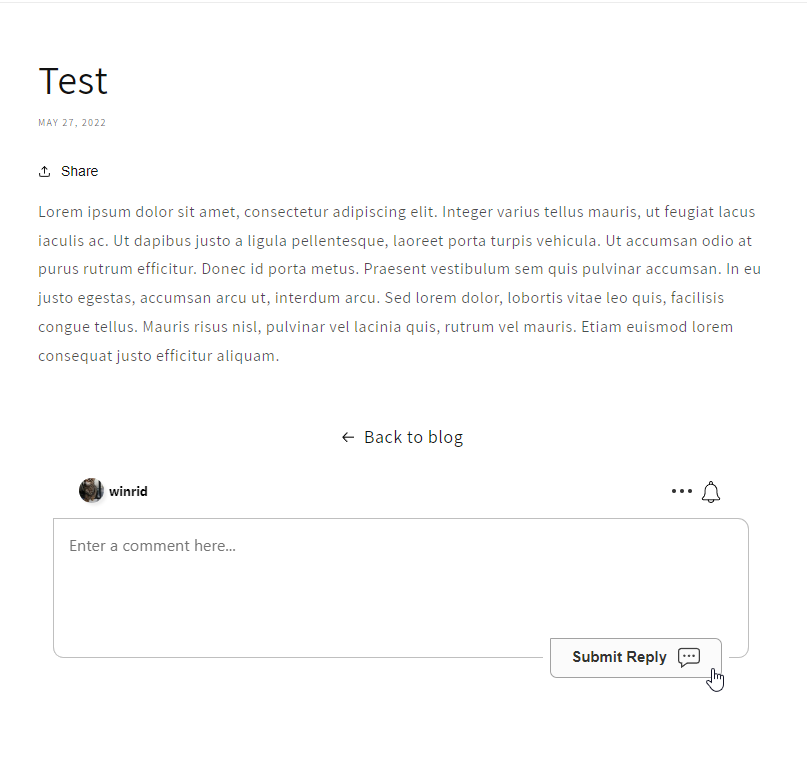
恭喜你已在 Systeme.io 上設定 FastComments!如果你遇到 Domain Error,或想了解如何自訂留言區,請繼續閱讀!
網域錯誤
您可能會收到如下的授權錯誤:
缺少網域設定

這是因為 FastComments 不知道應該允許您的帳戶在此網域上使用。
在這種情況下,解決方法很簡單。您只需將您的網站新增至 FastComments.com 帳戶。