
Wix Sitelerine Yorum Ekleyin
FastComments ile herhangi bir Wix sitesine kolayca canlı yorum ekleyebiliriz. Ayrıca her sayfanın veya blog gönderisinin kendi benzersiz yorum dizisine sahip olmasını nasıl sağlayacağımızı da ele alacağız.
Bu öğreticinin bir FastComments hesabı gerektirdiğini unutmayın. Önce kaydolmanız ve sonra buraya geri dönmeniz önerilir. Bir hesap oluşturabilirsiniz.
Adım 1: Doğru Sayfayı Düzenleyin 
Bu örnekte, blog gönderisi sayfalarına FastComments Canlı Yorumlar'ı ekleyeceğiz.
Bunu yapmak için, sitemizi Wix düzenleyicisinde açacağız.
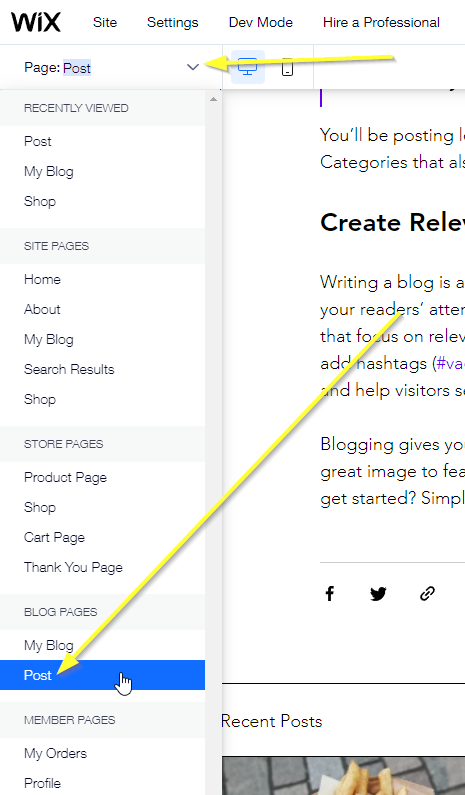
Sonra, doğru sayfayı düzenlediğimizden emin olmamız gerekecek.
Her blog gönderisi için benzersiz bir yorum dizisi gösterdiğimizden emin olmak istiyoruz, bu yüzden Blog Pages -> Post öğesini düzenleyelim.
Adım 2: Gömme Bloğu Ekleyin
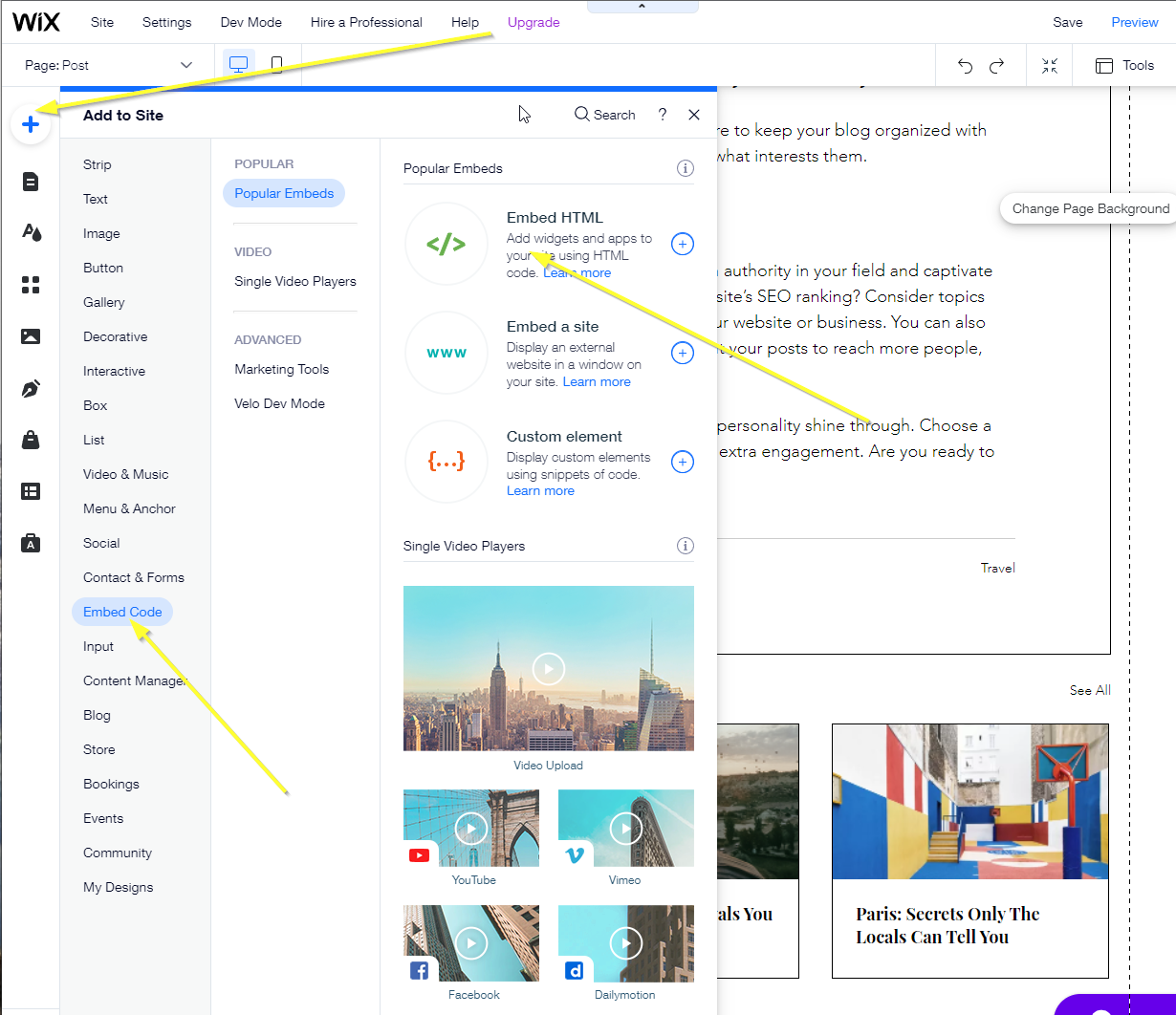
Sonra, Add -> Embed Code -> Embed HTML öğesine gideceğiz.
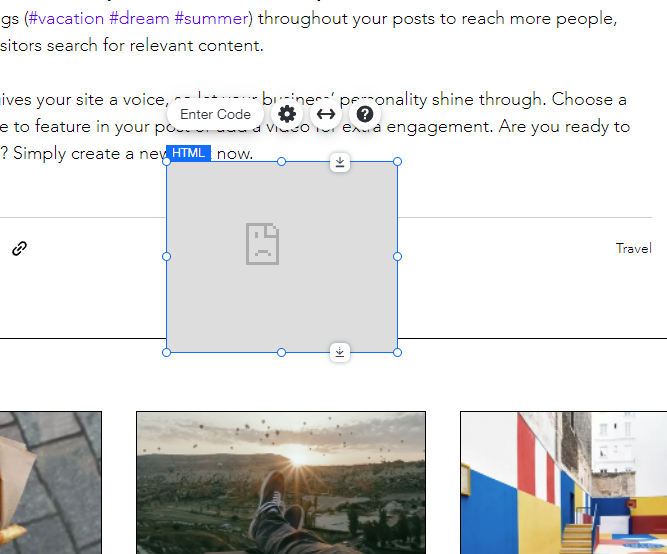
Bu, başlangıç için biraz kötü görünen bir kutu gösterecek:
Adım 3: Özel Kodu Kopyalayın/Yapıştırın
Bu örnek, Wix ile uyumlu olması için özel kod kullanır. Diğer öğreticilerdeki FastComments kod parçacıklarını kullanamayacaksınız.
Open the form to add our custom HTML dialog by clicking Enter Code and selecting HTML:
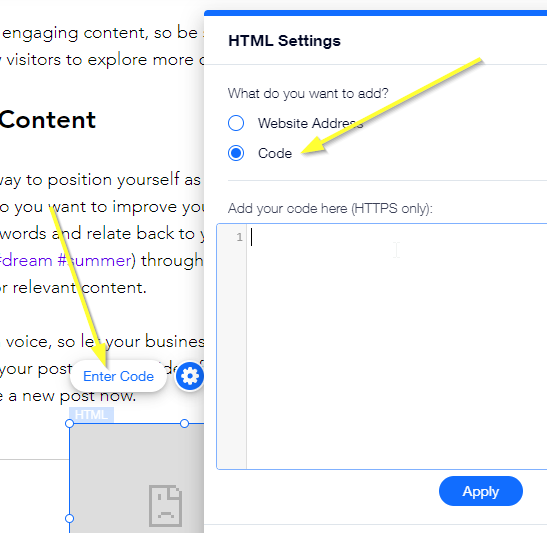
Copy the following HTML snippet and paste it into the dialog, and click Update:

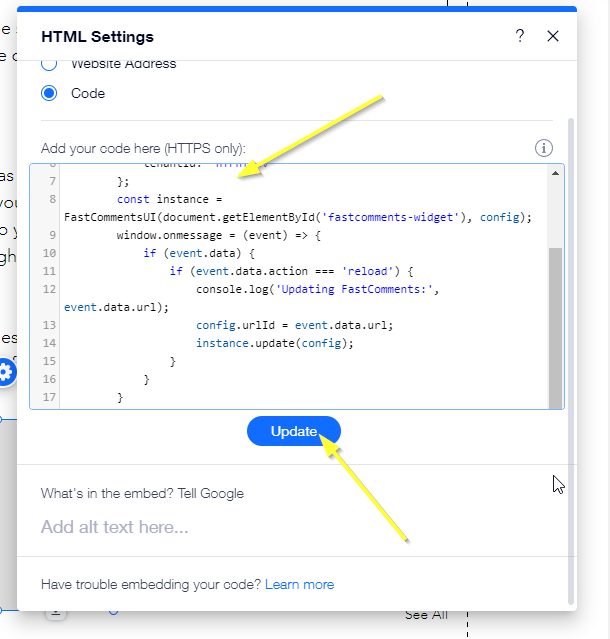
Şimdi yorum bileşeninin çok küçük bir sürümünü görmelisiniz:

Sonraki adımda bunu sayfamıza sığacak şekilde konumlandıracak ve boyutlandıracağız.
Adım 4: Yeniden Boyutlandırın
Yorum bileşenini eklediğimize göre, şimdi sayfamızda düzenleyelim.
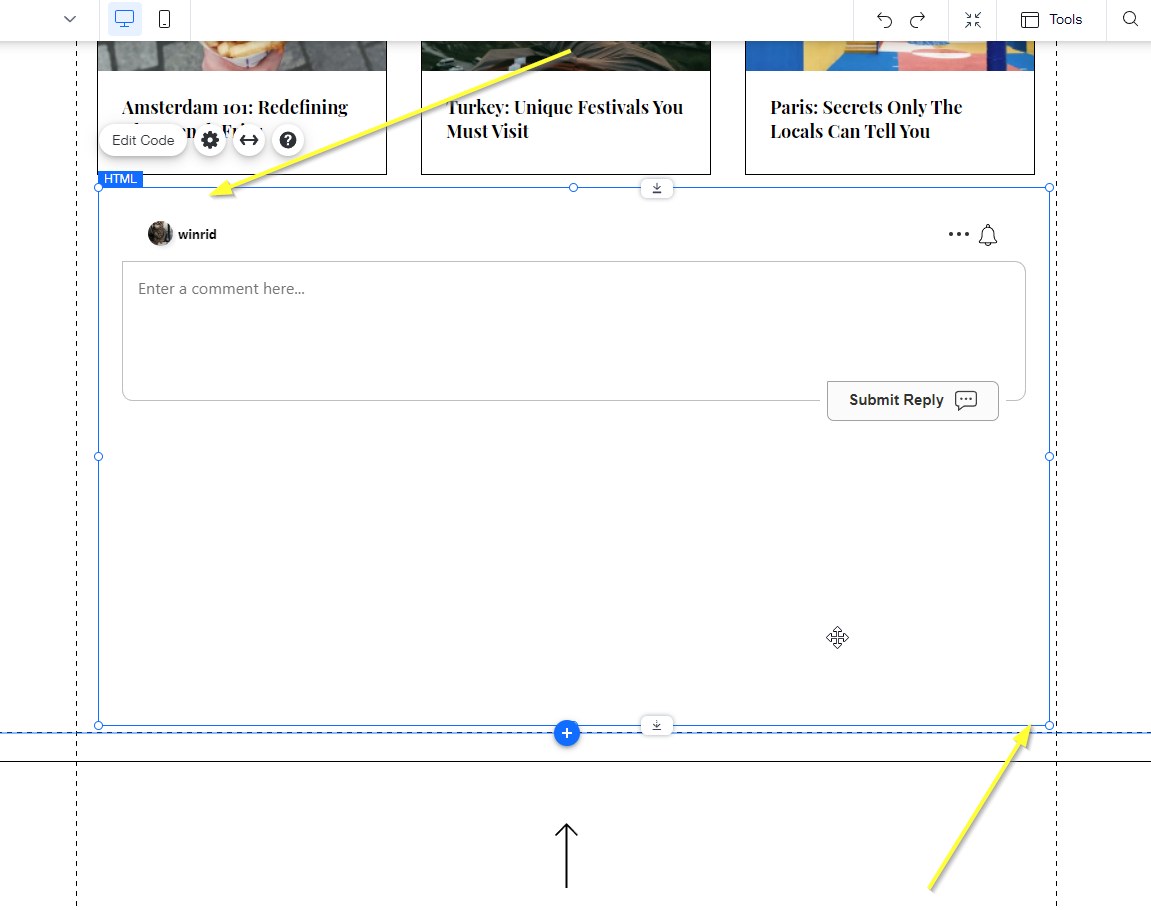
Bu eğitimle, etkin sayfaya bağlı olarak mevcut konuyu değiştirebileceğiz. Ancak, Wix bu işlevselliği açana kadar yorum bileşenini dinamik olarak yeniden boyutlandıramayacağız. O zamana kadar, sayfanızdaki yorum alanının ne kadar büyük olmasını istediğinize karar vermeniz ve uygun şekilde boyutlandırmanız gerekecek.
Adım 5: Benzersiz Yorum Dizileri
Next, let's set things up so that the comment thread changes based on the current page, allowing users to discuss the currently displayed content.
Without the following steps, you will only have one global comment thread for your entire site - which is not very useful.
Geliştirici Modu
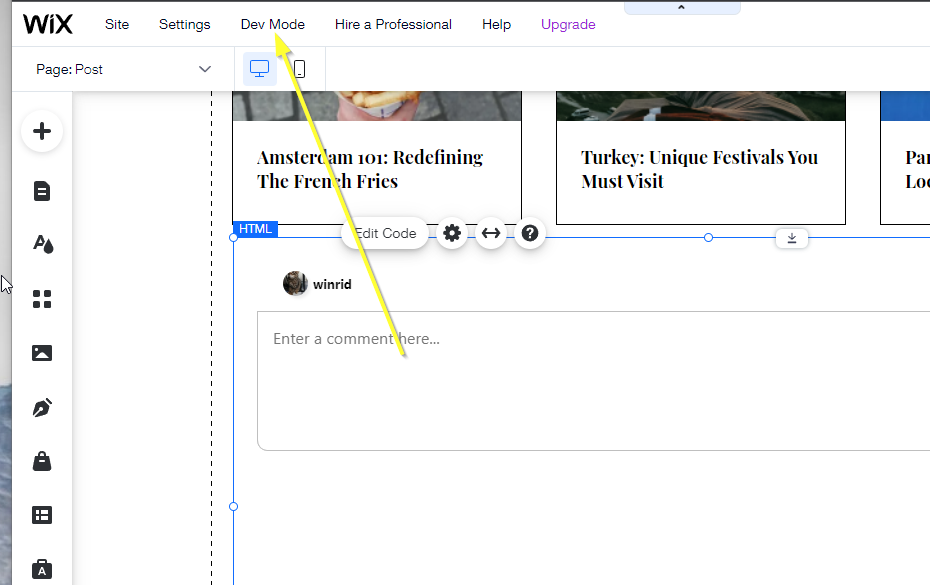
To add this functionality, we'll have to go into what Wix calls Dev Mode.
Click the Dev Mode option at the top of the screen.
Eleman ID'sini Ayarlayın
We're going to add custom code to accomplish this, but first we need to give the new embed element an ID to refer to it by.
Let's call it fastcomments.
Click the new embed element we added, and in dev mode in the bottom right you should see an ID field with a value like html1:
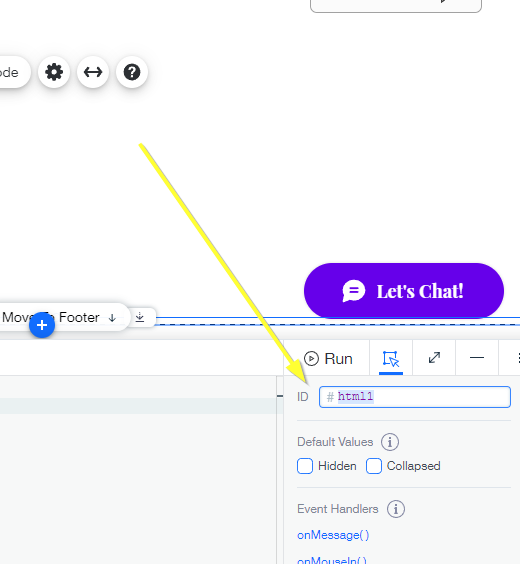
Change this to fastcomments and hit enter:
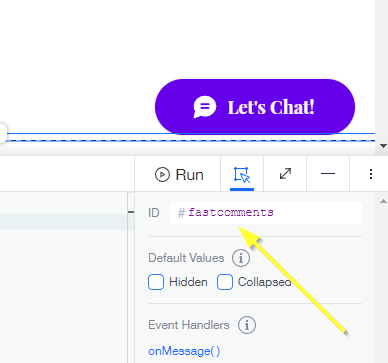
Now we can add our custom code that tells the comment area what page we are viewing.
At the bottom of the screen you should see a code editor like this:
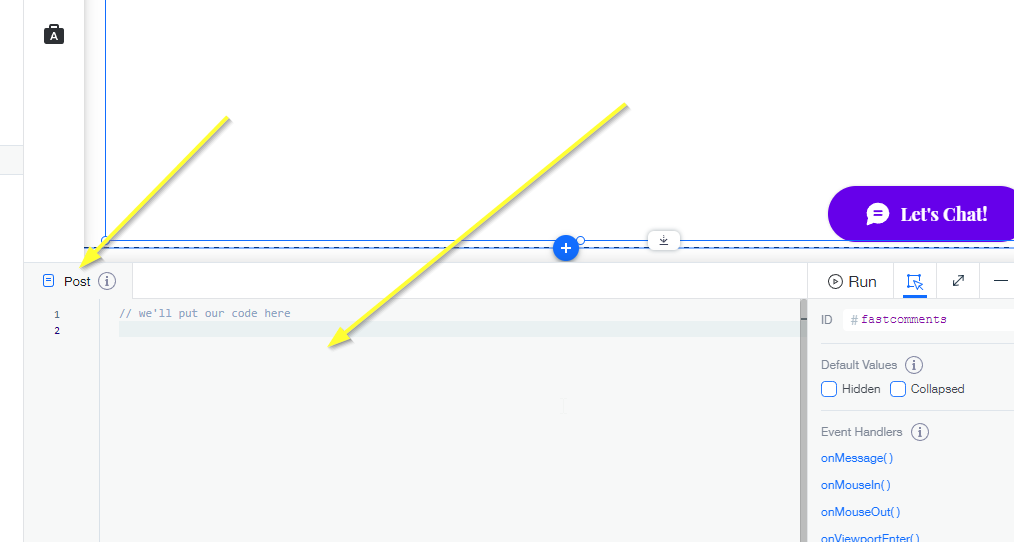
Copy the following code and paste it in there:
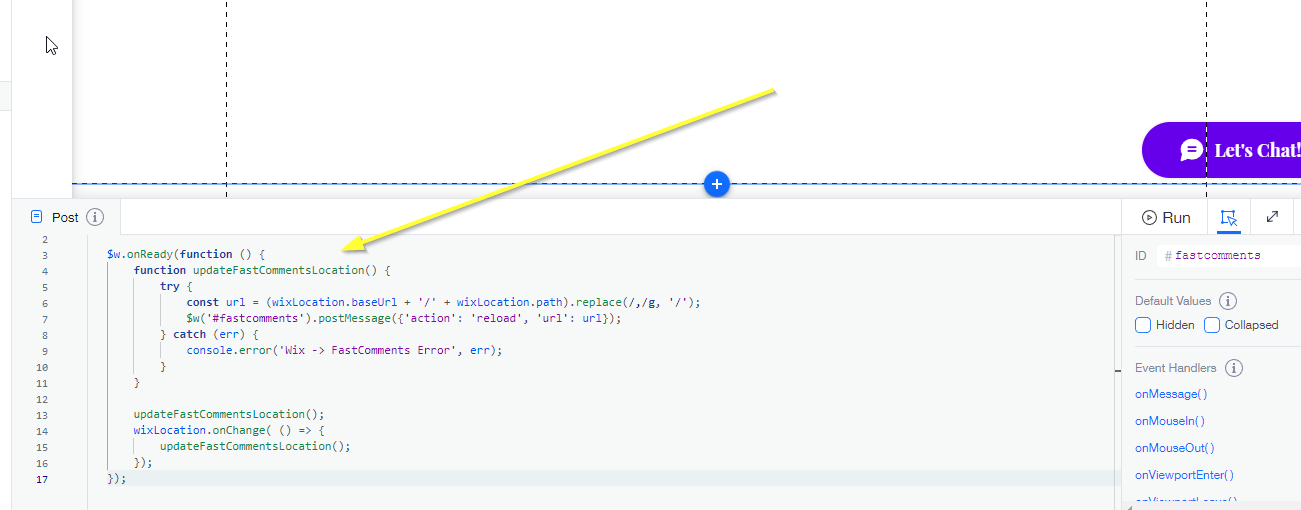
Adım 6: Kutlayın
Şimdi bir nefes alıp sitemizi önizleyebiliriz. İlgili sayfaya göre değişen bir yorum alanı görmelisiniz. Tebrikler!
Herhangi bir sorun yaşarsanız, aşağıdaki yorum kutusundan bize bildirin.
Özelleştirme
FastComments, sitenize uyacak şekilde özelleştirilmek üzere tasarlanmıştır.