
ThriveCart Learn+ のコースにコメントを追加する
FastComments を使うと、任意の ThriveCart Learn+ コースにライブコメント機能を簡単に追加できます。
セットアップに問題がある場合は、FastComments のサポートが支援を提供できます。
このチュートリアルは FastComments アカウントを必要とすることに注意してください。まずサインアップしてからここに戻ってくることをおすすめします。 こちらからアカウントを作成できます。
ステップ 1: コースを準備する 
ThriveCart Learn+ の設計上、コメントを表示したい各コースページに FastComments のコードを追加する必要があります。
同じコードスニペットをすべてのページで使用でき、コメントスレッドは自動的に各ページごとに紐づけられます。
まず、コースをエディターで開き、HTML ブロックを追加します。
左側に HTML ブロックのオプションが表示されるはずです。コメントを表示したいページの位置へそのブロックをドラッグしてください。
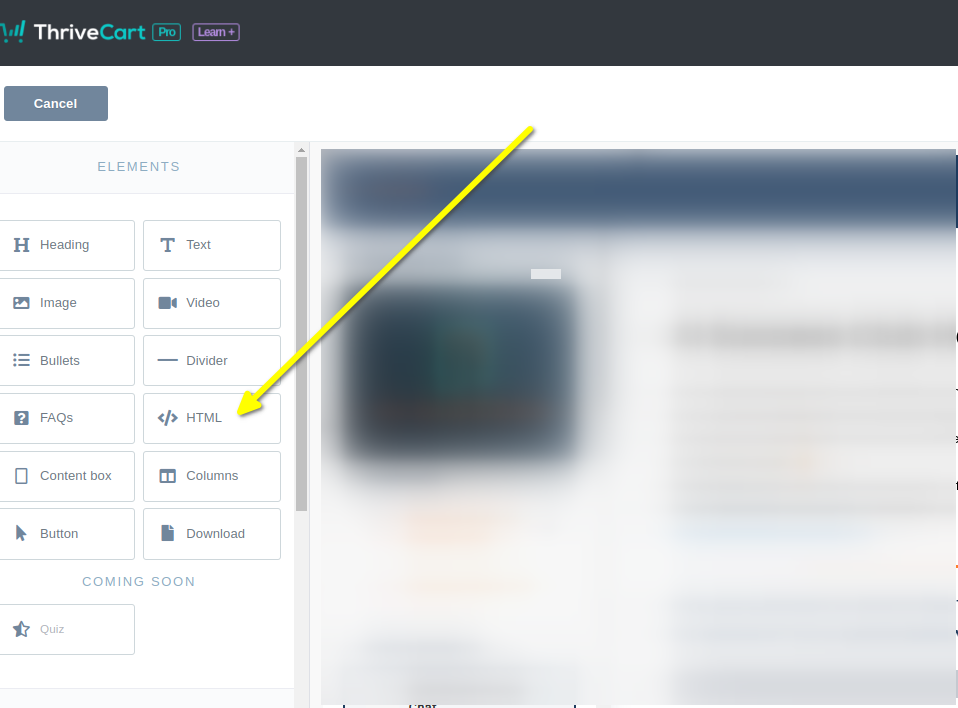
新しく追加した HTML 要素を選択します。コードを貼り付けられるブロックが左側に表示されます。
これでステップ 2 の準備が整いました。
ステップ 2: カスタムコードを追加する
For Step 2 we have to copy our code snippet. Check that line 50 does not say "demo" - you'll want to ensure this has your tenant id. It should be populated for you.
Now let's copy our ThriveCart-Learn-Specific FastComments code snippet.
It's quite large, because the integration with ThriveCart has a lot of features, so just click the Copy button in the top right of the code snippet:

Now paste it into the code block on the left in the ThriveCart editor. It should look like this:
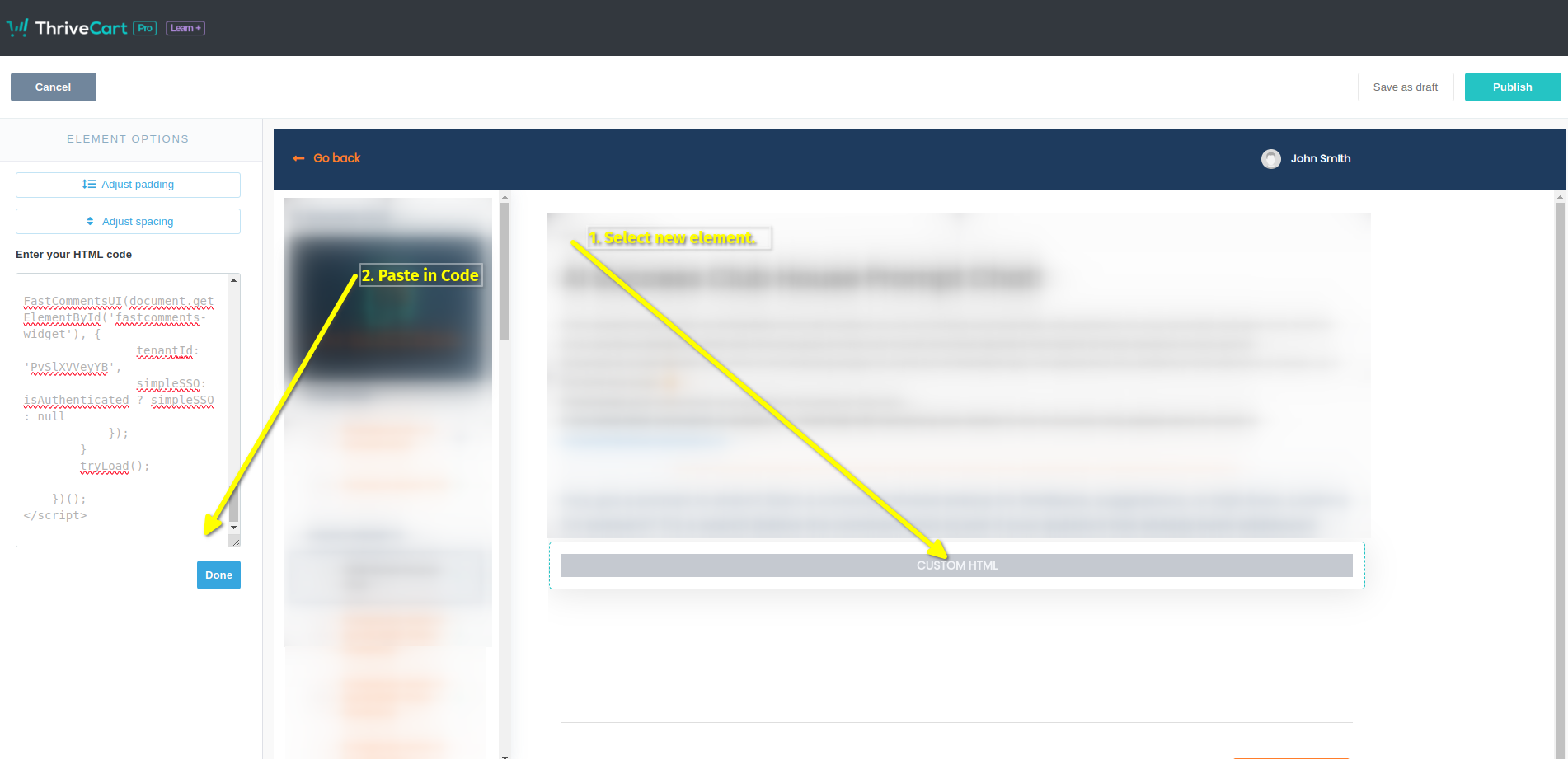
That's it! Now we just have to publish:
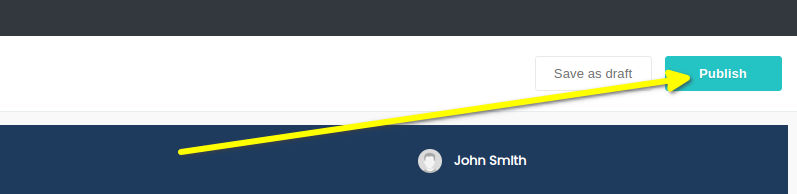
That's it! You should now see the comment box on your course when you preview, and real users will be able to leave comments without signing in or leaving their username/email a second time.
テストに関する注意!
If you have anonymous commenting disabled, which it is by default, you won't be able to leave comments in Preview mode as the John Smith user. You will get an authentication
error as the default John Smith user has no email. If you want to test, we suggest you use a coupon code and go through your site like an actual user.
完了
成功しました!FastCommentsコメントウィジェットが表示されているはずです。
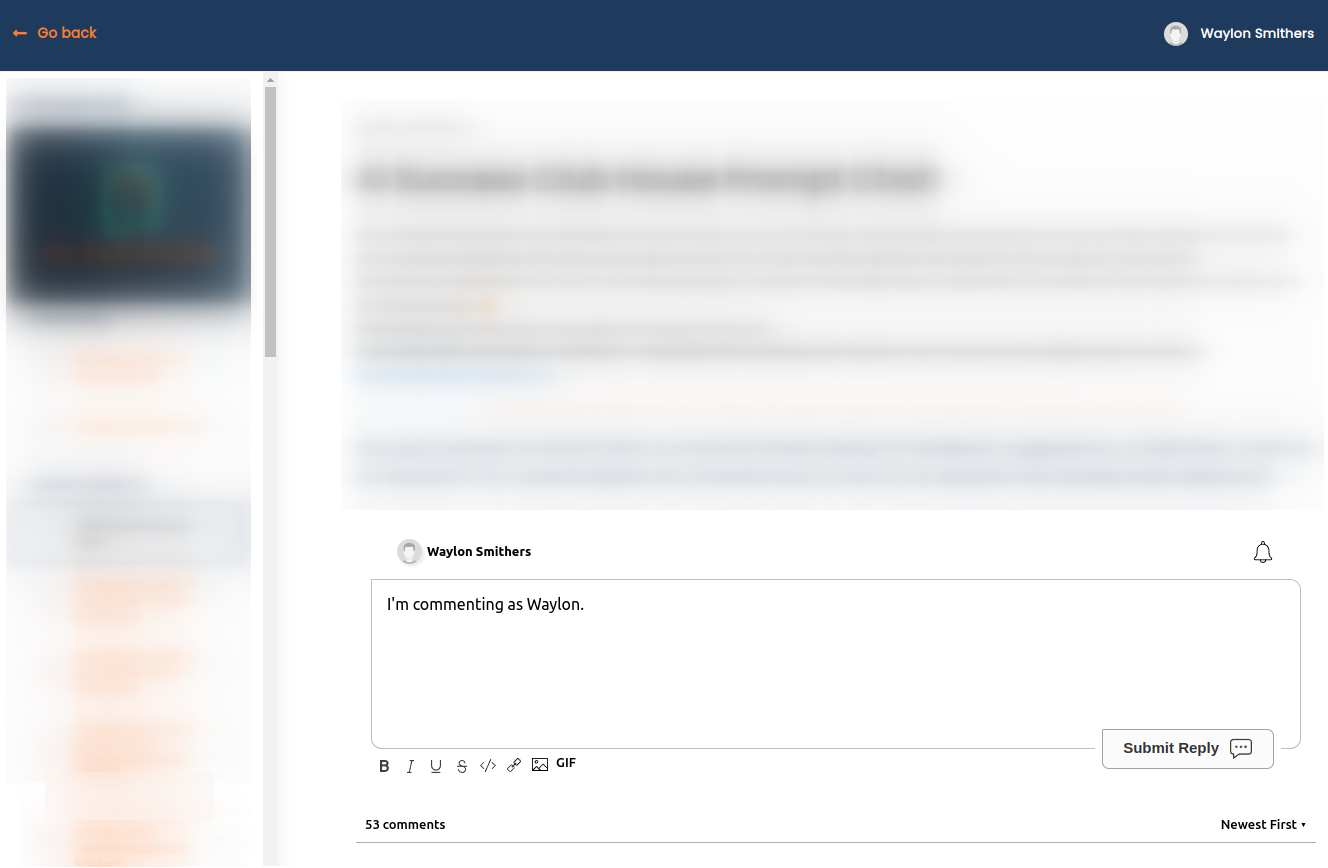
ThriveCartでFastCommentsを設定したことをおめでとうございます!ドメインエラーが発生した場合、またはコメントエリアをカスタマイズする方法を学びたい場合は、読み進めてください!
ドメインエラー
次のような認証エラーが発生することがあります。

一般的に、これはデフォルトの "thrivecart.com" ドメインではなく独自ドメインを使用している場合に発生します。
これは、FastComments がこのドメインでアカウントの使用を許可するべきだと認識していないためです。
この場合、修正は簡単です。自分のサイトを FastComments.com のアカウントに追加するだけです。
アカウントにサイトを追加するにはここをクリックしてください。
カスタマイズ
FastComments はあなたのサイトに合わせてカスタマイズできるよう設計されています。
カスタムスタイリングを追加したり、設定を微調整したい場合は、カスタマイズに関するドキュメントをご覧ください。方法が記載されています。