
迁移
迁移
FastComments 提供自助工具以及直接的开发者支持,支持迁移到我们的平台、在我们平台内迁移数据,以及从我们的产品导出数据。
在本指南中,您将了解这三者。
从其他提供商迁移 
导入数据
虽然 FastComments 支持团队可以帮助进行迁移,但大多数迁移可以轻松完成并监控,无需支持人员的干预。
我们原生支持从以下提供商导入导出文件:
- Commento
- Disqus
- Hyvor Talk
- Muut Comments
- IntenseDebate
- Just-Comments
- Cusdis
- WordPress (via the plugin, or an XML or CSV export)
- AnyComment (Via WordPress Import/Export)
通过访问此处可以上传包含要迁移数据的文件。


监控导入
FastComments 使用作业处理系统来处理导入和导出。一旦系统接收到您的作业,它将定期在导入或导出界面中报告作业状态。
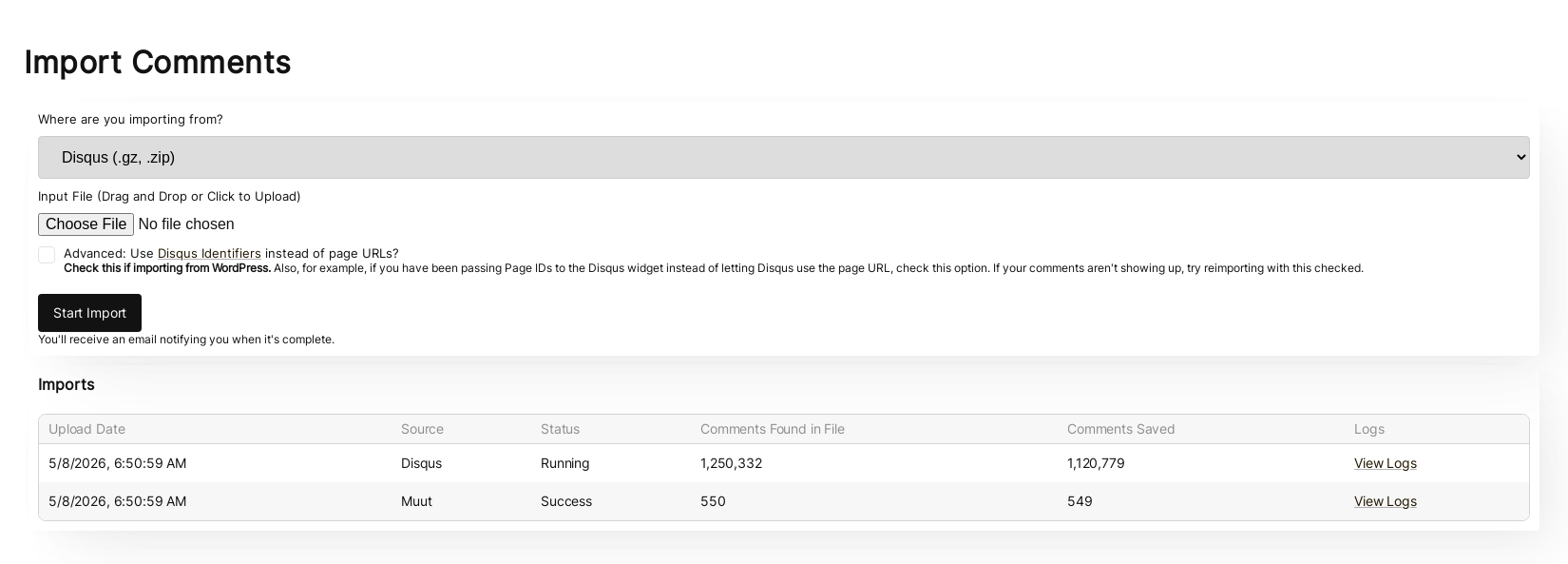
请注意,导入和导出的状态对账户中的所有管理员均可查看。
如果您的作业失败,它不会自动重新启动。需要重新尝试导入。如果任何导入或导出失败,我们的系统管理员会自动收到通知。如果我们发现问题,我们会联系您,看看是否能提供帮助。
重新运行导入
在某些迁移过程中,需要多次运行导入。例如,通常会先进行一次测试性的迁移,然后在切换之前使用最新数据再次运行导入。
重新导入相同内容 不会产生重复。
数据安全与过期
导入文件不会以任何方式通过外部请求访问,且导入完成后,导入文件会立即从我们的系统中删除。
导入 WordPress 评论
我们的WordPress 插件拥有强大的基于 UI 的导入机制。安装插件后,它会引导您将 WordPress 安装与 FastComments 关联,并复制您现有的评论数据。
此过程无需手动复制或下载任何内容。
迁移过程将在 UI 中向您指示。大多数迁移只需几分钟。
该机制旨在迁移期间不对您的 WordPress 安装施加过大负载。
如果您要将站点从 WordPress 转移出去,可以导入 WordPress 的 XML 或 CSV 导出文件,而不是使用插件。参见 Moving Your Comments to a New Site。
CloudFlare & FireWalls
为了使自动化的 WordPress 设置工作,我们必须调用您的 WordPress 安装。像 Cloudflare 这样的防火墙可能会阻止我们,导致集成失败。在这种情况下,we can provide you一组需要列入白名单的 IP,以完成集成。
Data Ownership
在我们的 WordPress 迁移中,任何新建或更新的评论数据都会自动同步回您的 WordPress 安装,后台悄悄完成。这意味着,虽然评论由 FastComments 本身提供,以减轻您的 WordPress 部署负载, 我们also会将其保存到您的数据库中作为备份。这同样意味着,如果您想切换离开 FastComments,您的数据已经迁移并保持最新。
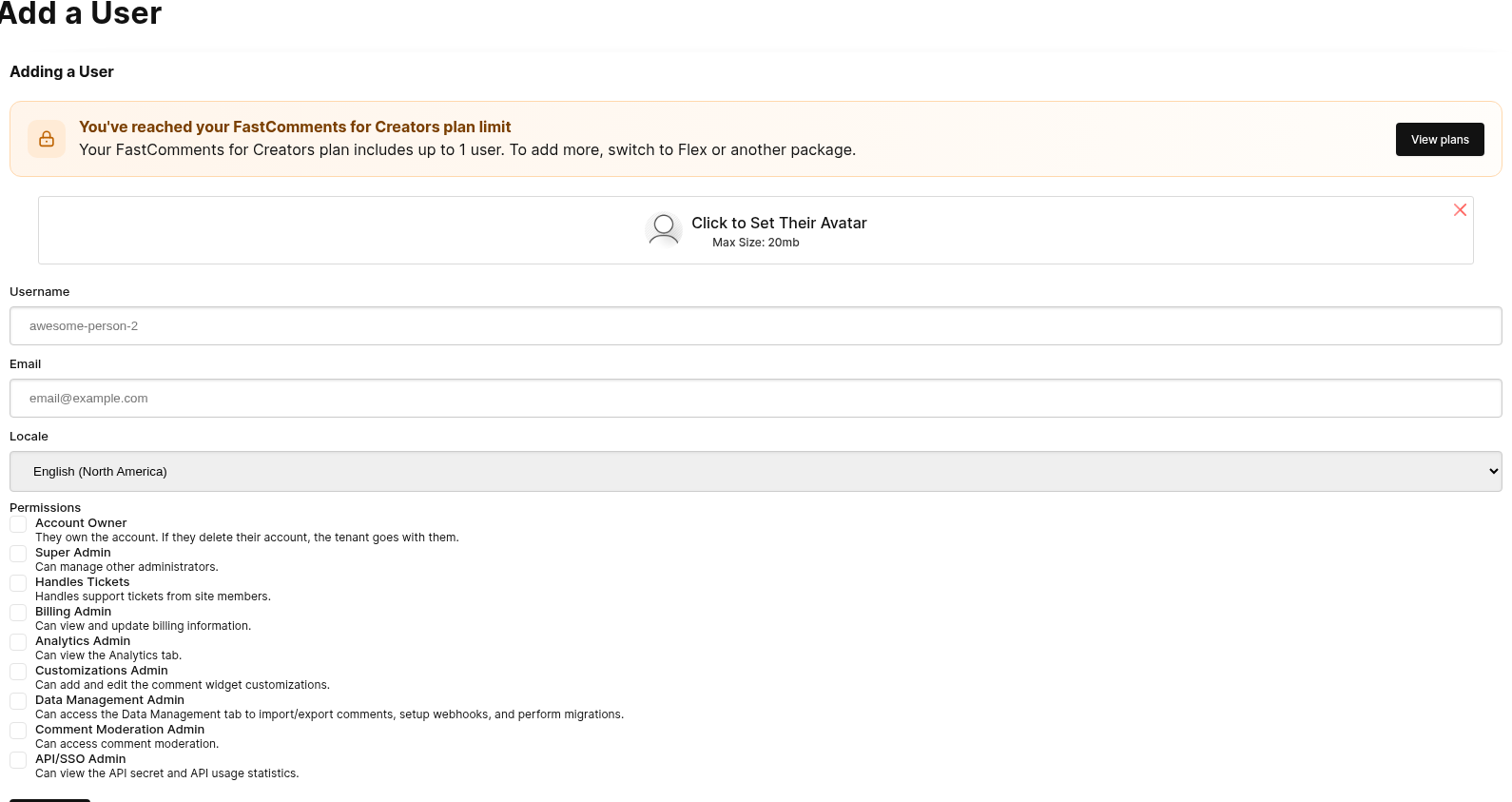
迁移用户和版主
迁移域名
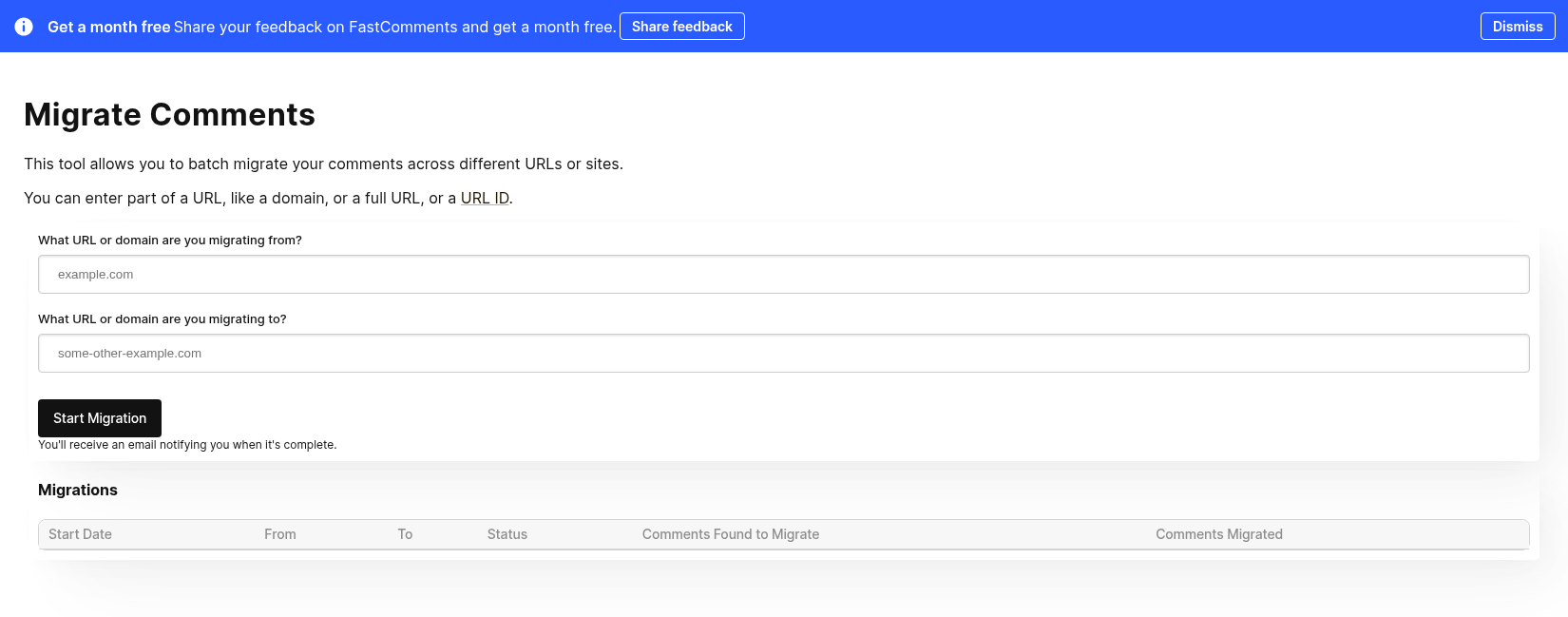
FastComments 为您提供了一种自动化方式,将评论跨域迁移。
域迁移只需提供一个 from 域和一个 to 域。
这会 移动 评论,而不是复制它们。如果您希望复制评论,请联系我们。
这在以下情况下也很有用,例如,如果您迁移到 FastComments 的一部分涉及从其他提供商迁移,那么您的评论导入数据可能包含需要迁移的数据。在这种情况下,您可以先运行导入,然后进行域迁移。
监控进度
域迁移工具使用与其他数据管理工具相同的 FastComments 作业处理系统。
在迁移开始之前可能会有延迟。这是正常的,因为系统会定期检查新作业以进行处理。
作业运行时,它会显示发现的待迁移评论数量以及迄今为止已迁移的数量。
通过 API 迁移域
也可以使用 POST /api/v1/pages/migrations 将域迁移,type 设置为 domain。进度可通过 GET /api/v1/batch-jobs/:id 获取,迁移可在 90 天内撤销。
迁移页面
虽然它的名称是域迁移工具,但它也可以用于在单个页面之间迁移评论。
只需在 from 和 to 输入字段中输入旧的和新的 urlId 值。
通过 API 迁移页面
要一次迁移多个页面,请使用 POST /api/v1/pages/migrations。每个请求最多可包含 100 对 from 和 to,并将它们作为批处理作业运行。
将 type 设置为 urlId 时,仅移动 urlId 完全等于 from 的页面,因此 post-1 不会匹配 post-10。仪表板工具没有此选项。
每个 API 迁移在 90 天内都可以通过 POST /api/v1/pages/migrations/:undoId/undo 撤销。
复制评论
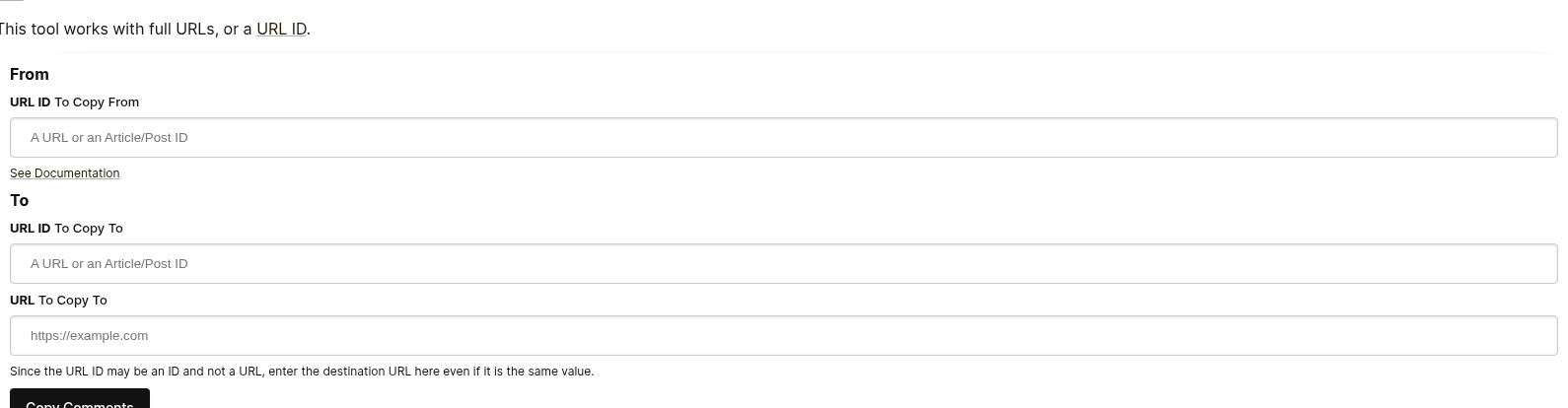
如果需要移动数据,FastComments 提供了一个自助工具,用于在页面和文章之间移动评论。
以下是评论复制页面表单的外观:
填写 "From" 字段
要决定从哪里移动评论,我们只需知道源 URL ID。
如果在评论小部件配置中未传递 urlId 的值,则这将是页面 URL 的“干净”版本。
您可以通过导出评论来查看评论的 URL ID 值。
填写 "To" 字段
要决定将评论移动到哪里,我们需要知道目标 URL ID 和 URL。
URL ID 将是评论所在的桶。URL 字段用于您可以直接从电子邮件和审核工具导航到该评论。
WordPress
如果您使用 WordPress,例如,您将在迁移工具的 To/From URL ID 字段中输入文章 ID,而不是 URL。
导出数据
所有评论数据可以从我们的平台导出为 CSV 格式。
请注意,此文件中的日期将采用 UTC 时区,ISO 格式。
如果您希望定期从 FastComments 拉取数据,我们建议使用 Webhooks。
WordPress
在 WordPress 集成的情况下,FastComments 自动将数据同步回您的 WordPress 安装 周期性地。因为如此,从 FastComments 迁移时,您只需将其关闭即可。